automation.observer: Giving AI Agents Real Eyes on the Web
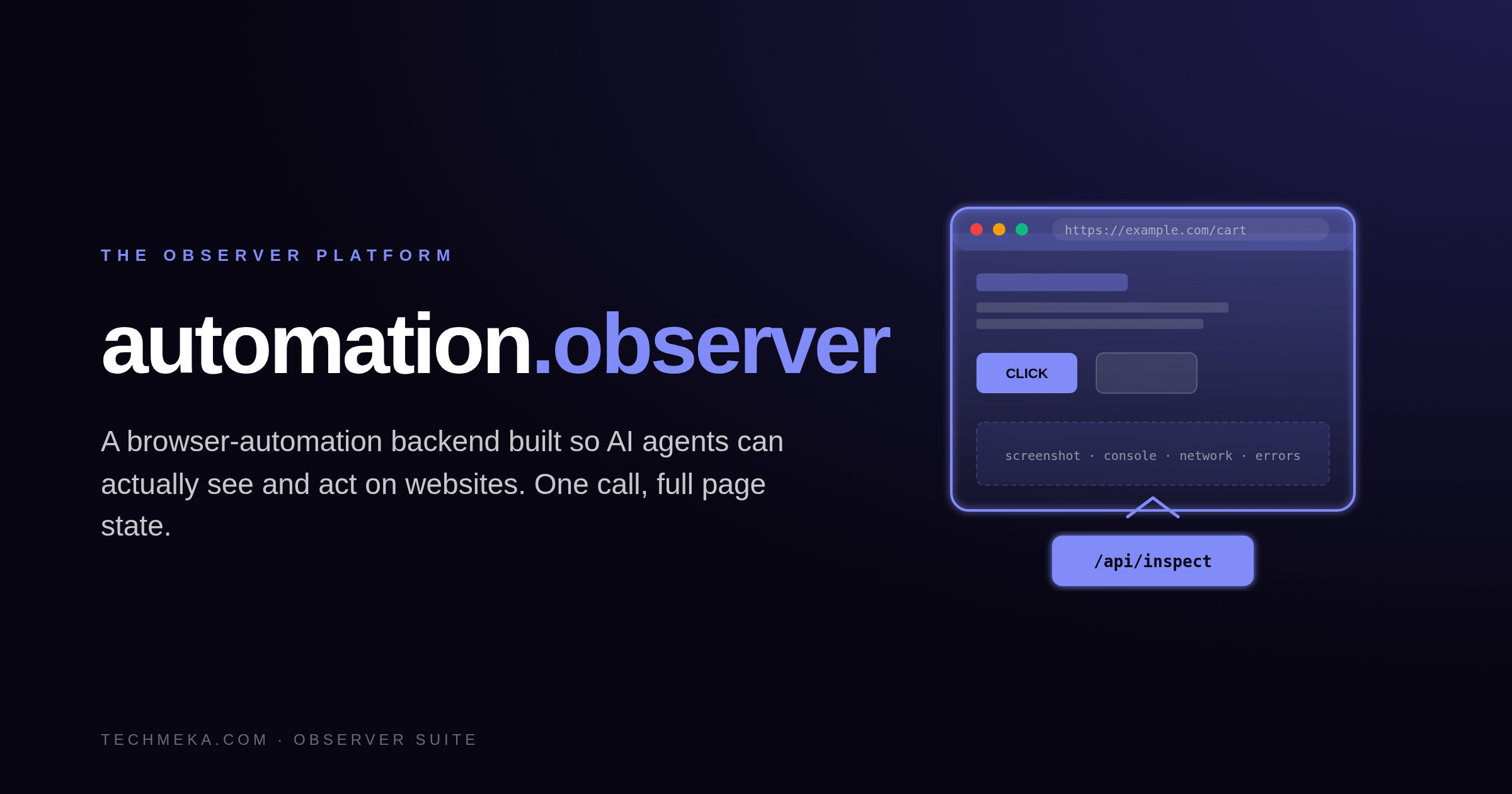
What if “browser access” for an AI meant one API call returning the screenshot, console, network log, errors, HTML, and storage state — together?
automation.observer is a browser-automation backend designed so AI agents can actually see and act on websites. One endpoint returns the whole page state in a single JSON payload. Plus a stateful session API, PerimeterX-grade anti-bot resilience, and Chrome DevTools Protocol under the hood.
The Problem with “Giving Claude a Browser”
When you give an LLM “browser access,” what it actually needs is everything about the current page state at once:
- Screenshot
- Console messages
- Page errors
- Failed network requests
- Full network log
- Performance metrics
- HTML snapshot
- Cookies, localStorage, sessionStorage
Most automation stacks — Selenium, Playwright, BrowserStack — return that fragmented across five tools and ten calls. By the time the AI has assembled the picture, the page has changed.
And nobody’s stack has serious answers for anti-bot evasion at sites like Walmart, Amazon, or PerimeterX-protected enterprises.
You need a backend built for AI consumption, not human pointing.
What automation.observer Does
A headless Playwright + Chrome DevTools Protocol service that exposes one core endpoint — POST /api/inspect — returning the entire page state in a single JSON payload:
POST /api/inspect
{ "url": "https://example.com" }

→ {
  screenshots: [...],
  console: [...],
  pageErrors: [...],
  network: [...],
  metrics: {...},
  html: "...",
  cookies: [...],
  localStorage: {...}
}
Plus a stateful session API for multi-step flows (open → click → type → inspect → close), a battle-tested Walmart workflow stack with PerimeterX evasion, and a CDP bridge for cart operations.
Three Reasons AI Platform Teams Choose It
1. One Call = The Whole Page State
Screenshot at multiple viewports, console, errors, network log with timing, perf metrics, HTML snapshot, cookies, localStorage, sessionStorage — all in one JSON response.
Latency is the gap between “AI needs to see” and “AI sees.” Close it to one round-trip.
2. Built for AI Consumption, Not Human Pointing
- No GUI mode
- No Selenium IDE
- No record-and-replay tooling
Designed for programmatic invocation by an LLM that needs to reason about page state — not a QA engineer scripting clicks.
3. Anti-Bot Resilience Proven in the Wild
- PerimeterX evasion
- Behavioral challenge handling
- Humanized timing (gaussian curves, not constant intervals)
- Seeded-RNG user-agent rotation
- Structured bot-block detection with retry-after envelopes
Production-tested against Walmart’s stack.
How It Compares
| Capability | automation.observer | Playwright | Selenium | BrowserStack |
|---|---|---|---|---|
| One-call full page state | Yes | No (5+ calls) | No (10+ calls) | No |
| AI-first API design | Native | No | No | No |
| PerimeterX evasion | Built-in | Manual | Manual | Limited |
| Humanized timing | Yes | No | No | No |
| Self-hosted | Yes | Yes | Yes | No |
| Per-minute pricing | No | No | No | Yes |
Who Buys It
AI Platform / DX Teams
Give Claude (or any LLM) “eyes on the frontend” with zero plumbing. One MCP tool call. One JSON payload. Done.
E-Commerce Operations
Anti-bot-resilient browser automation for cart, checkout, inventory monitoring. PerimeterX-resistant out of the box.
QA / Regression Teams
CI-friendly headless browser service with crash recovery and request audit. The page state at every step is captured — not just at the end.
Better Together: The Observer Suite
- transmission.observer wraps automation.observer’s API in 9
browser_*MCP tools — Claude callsbrowser_inspect(url)and gets back the unified payload, no plumbing - tests.observer uses a Playwright adapter sharing the same browser backend
- shield.observer can apply DLP / policy rules to captured page content
- logging.observer receives the structured telemetry stream
Standalone? Runs as a generic browser-automation backend with no Observer dependency. The /api/inspect, session API, screenshot, scrape, eval, and workflow endpoints all function on their own. Optional dashboard login (scrypt-hashed credentials, 30-day session cookie) gives operators visibility into request history.
The Walmart workflow stack is a reference implementation — replace with your own workflows in src/workflows/.
Getting Started
- Container up on
localhost:4010 POST /api/inspect{ "url": "..." }— get everything you need- For multi-step flows:
browser_open_session→ click / type →browser_inspect_session→browser_close_session - Wire to Claude via transmission.observer’s MCP tools
TL;DR
automation.observer = a browser, built for AI.
One call returns the whole page state. PerimeterX-resilient. Stateful sessions. CDP under the hood. Production-tested.
📞 Contact us to give your AI agents real eyes on the web.